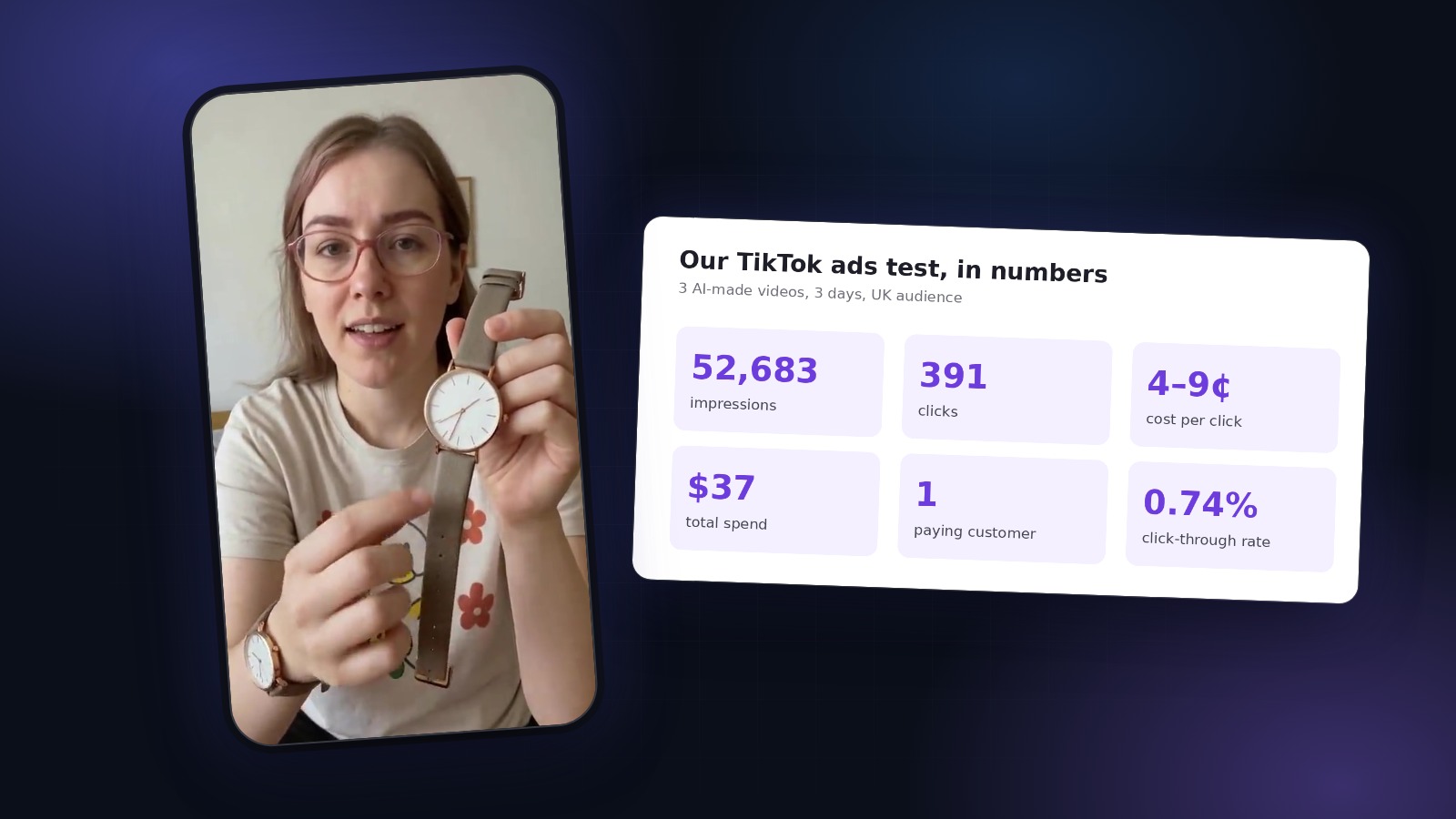
Shoppers on Amazon can’t pick your product up. A short video of someone holding it, turning it to the camera and pointing at what matters is the closest thing to that, and it is one of the few places on a listing where you can show scale, texture and how the product is actually used.
The problem is the cost. A filmed product video means a creator or a studio, shipping samples and a few weeks of waiting, and most small sellers have dozens of ASINs. This guide shows how to make listing videos with AI from a single product photo, and what to check so Amazon actually accepts them.
What Amazon accepts in a listing video
Amazon’s rules change, and they differ by marketplace, so always check the current requirements in Seller Central before uploading. As of autumn 2026, the main points for US seller-uploaded videos are:
- Who can upload: Amazon has opened video uploads to more sellers than before, and depending on your account you may not need Brand Registry. Check the Videos section of your Seller Central account.
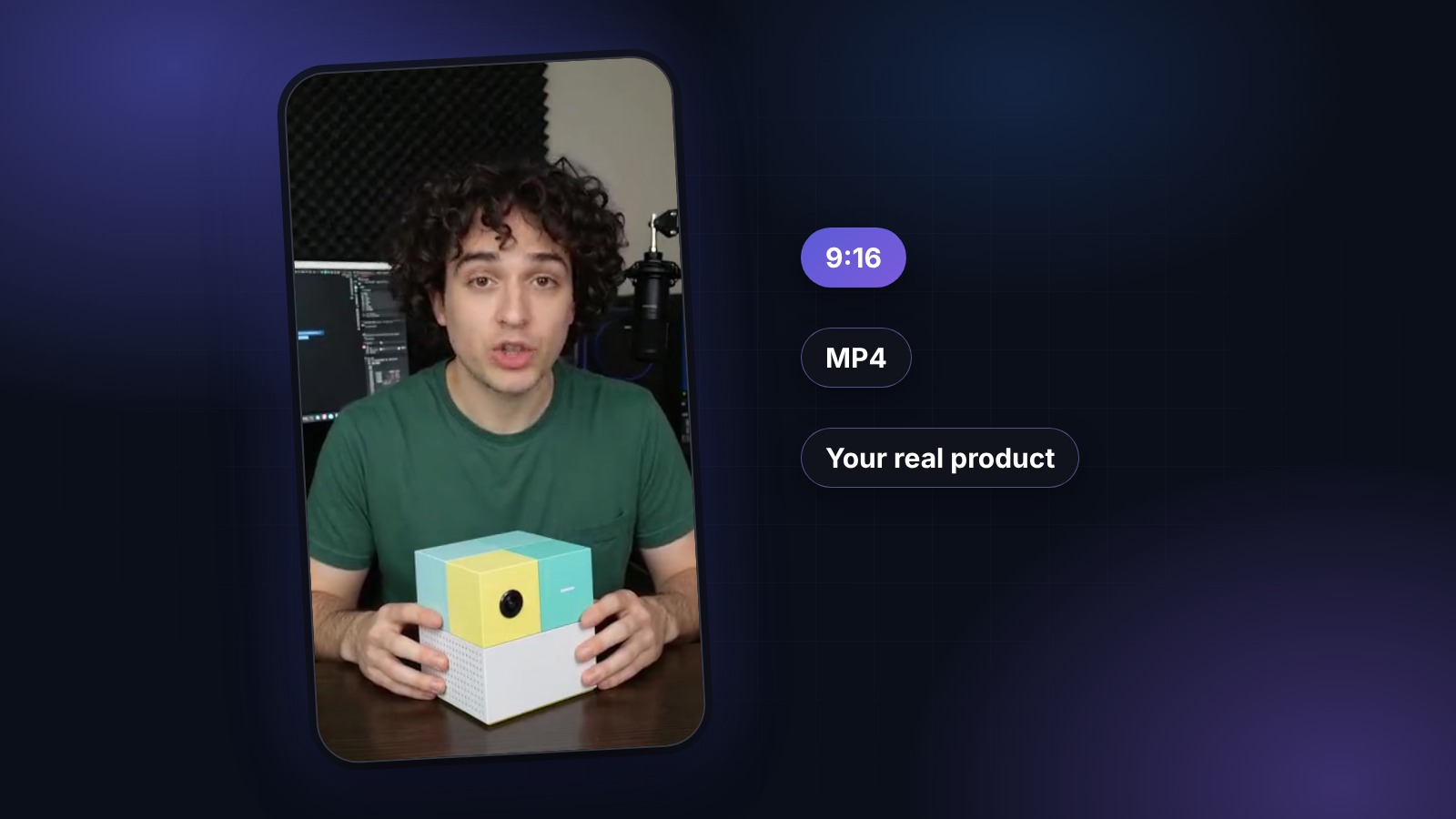
- Format: MP4 or MOV, up to 1080p.
- Orientation: both horizontal 16:9 and vertical 9:16 are accepted. Vertical works well on mobile, where most Amazon shopping now happens.
- Every video is linked to at least one ASIN, and it must show the exact product and variant on that listing.
What gets a listing video rejected
Most rejections come from a short list of mistakes:
- External links, URLs or social media handles on screen.
- Promotional calls to action and discount messages, like “Buy now, 30% off this week”.
- Claims you can’t support: results, medical benefits, “best on the market”.
- Showing a different color, size or variant than the one on the listing.
- Music, footage or artwork you don’t have the rights to.
Step 1. Start with one good product photo
The whole video is built from your photo, so it is worth five minutes:
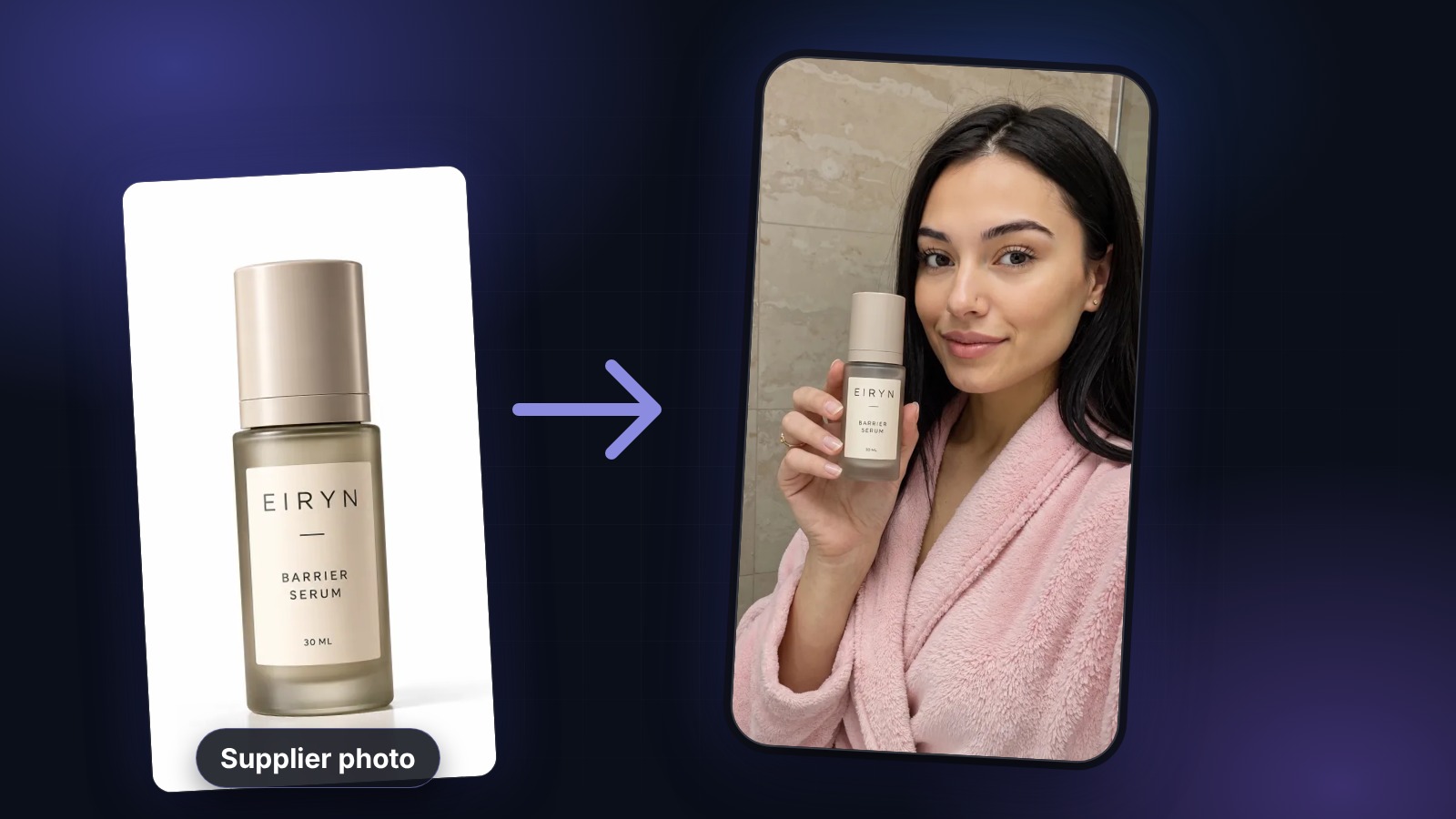
- One product, front-facing, label toward the camera.
- Closed packaging, the way it stands on a shelf, with no loose parts or props.
- Plain background and even light. Your main listing image is usually a perfect source.
Step 2. Write a script that sounds like a person, not a listing
Bullet points don’t work out loud. Pick the one thing a shopper is unsure about when they look at your listing, and answer it in plain words. Good listing videos usually do three things in 20 to 40 seconds:
- Show the product in hand and name the problem it solves.
- Point at the detail that photos don’t explain well: size, texture, how it opens, how it’s used.
- End with a simple reason to choose it. No discounts, no links, no “buy now”.
Keep every claim factual. The avatar will say exactly what you write, and Amazon reviews claims in videos the same way it reviews them in your bullets.
Step 3. Generate the video in UGCABC
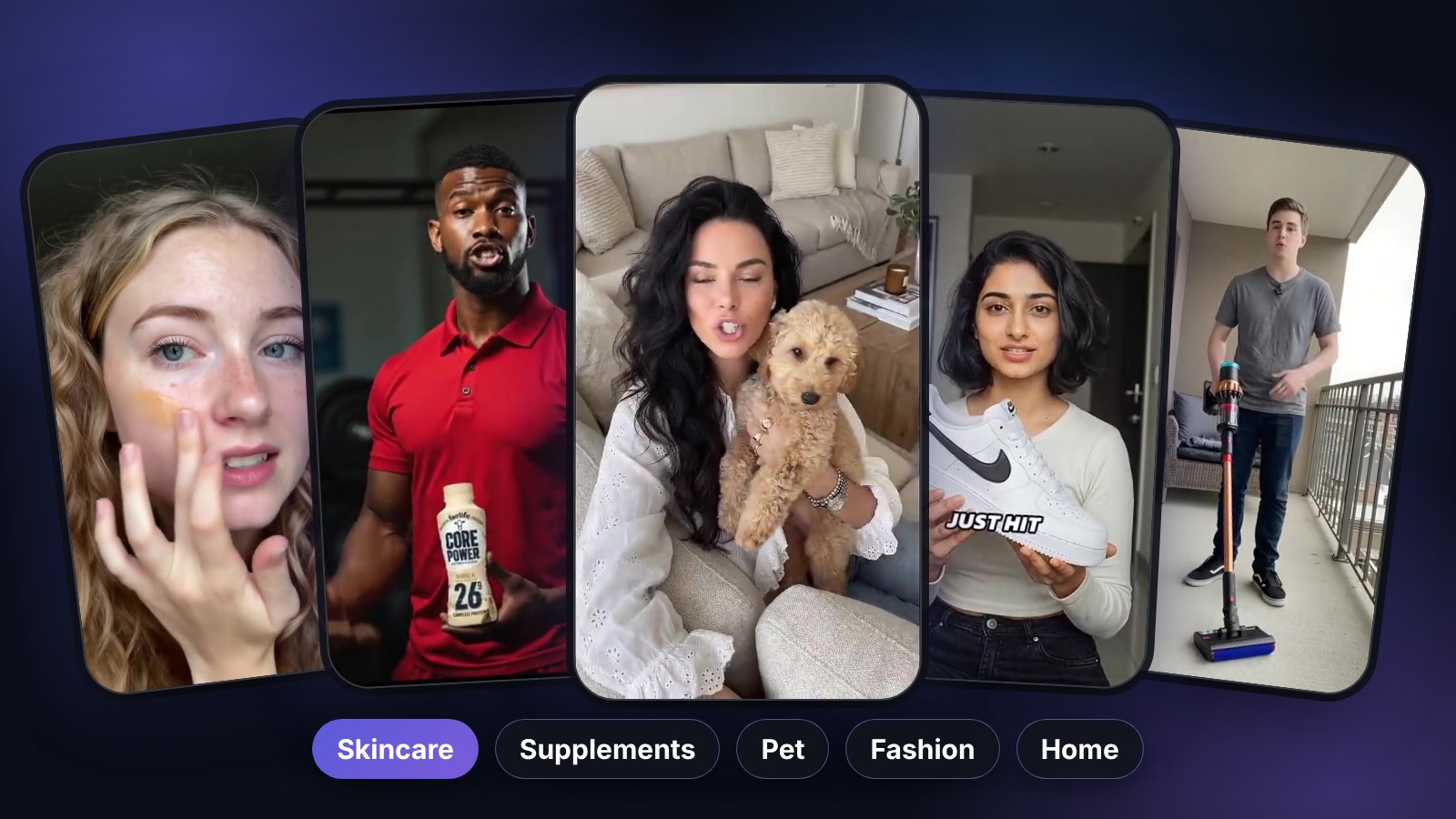
In UGCABC, a Product Ad turns your photo into a 9:16 video where an AI avatar physically holds your real product, the one from your photo, not an AI redraw. You pick an avatar that fits your buyer from more than 1,600 product actors, add or edit the script, and generate.
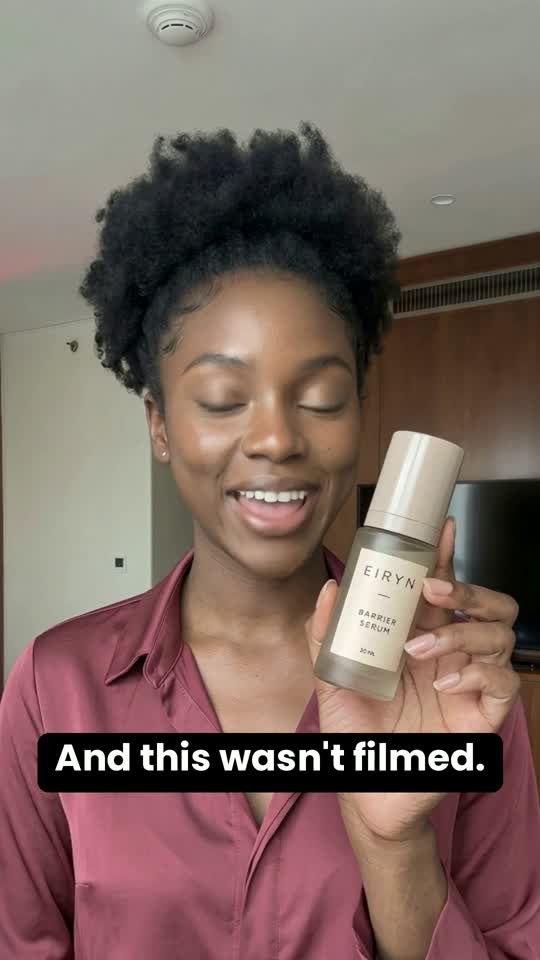
Your first three previews are free, so you can see your own product in an avatar’s hands before paying anything. A finished Product Ad starts at 6 credits, which is $2.34 to $4.68 for a video of about 30 seconds, depending on the pack. There is no subscription. See pricing for details.
Before you upload, watch the whole video with the sound on and check three things: the product looks exactly like your listing, the label is readable, and the voice matches the mouth. If something is off, change the avatar or shorten the script and generate again. A video that looks fake does more harm on a listing than no video at all.
Step 4. Upload, then test
Upload the video in the Videos section of Seller Central and link it to your ASINs. If you sell variants, make one video per variant rather than one video for all of them.
Then treat it like an ad. Make two or three versions with different first lines or different avatars, rotate them over a few weeks, and keep the one that lifts your conversion rate. With AI the second and third versions cost a few dollars, so testing stops being a luxury.
Can I use the same video for Amazon ads and social media?
Often yes, with small changes. A listing video should be calm and informative, with no calls to action. A TikTok or Reels ad needs a stronger first line and can mention an offer. Since the video is generated from the same photo, making a second version for social takes minutes. Our guide on how to make UGC ads with AI covers the social side.
Try it on your own listing
The quickest way to know whether this works for your product is to see it. Create a free preview with your main listing photo. New accounts also get 50% off the first credit pack for 48 hours.