Aspect ratio and dimensions
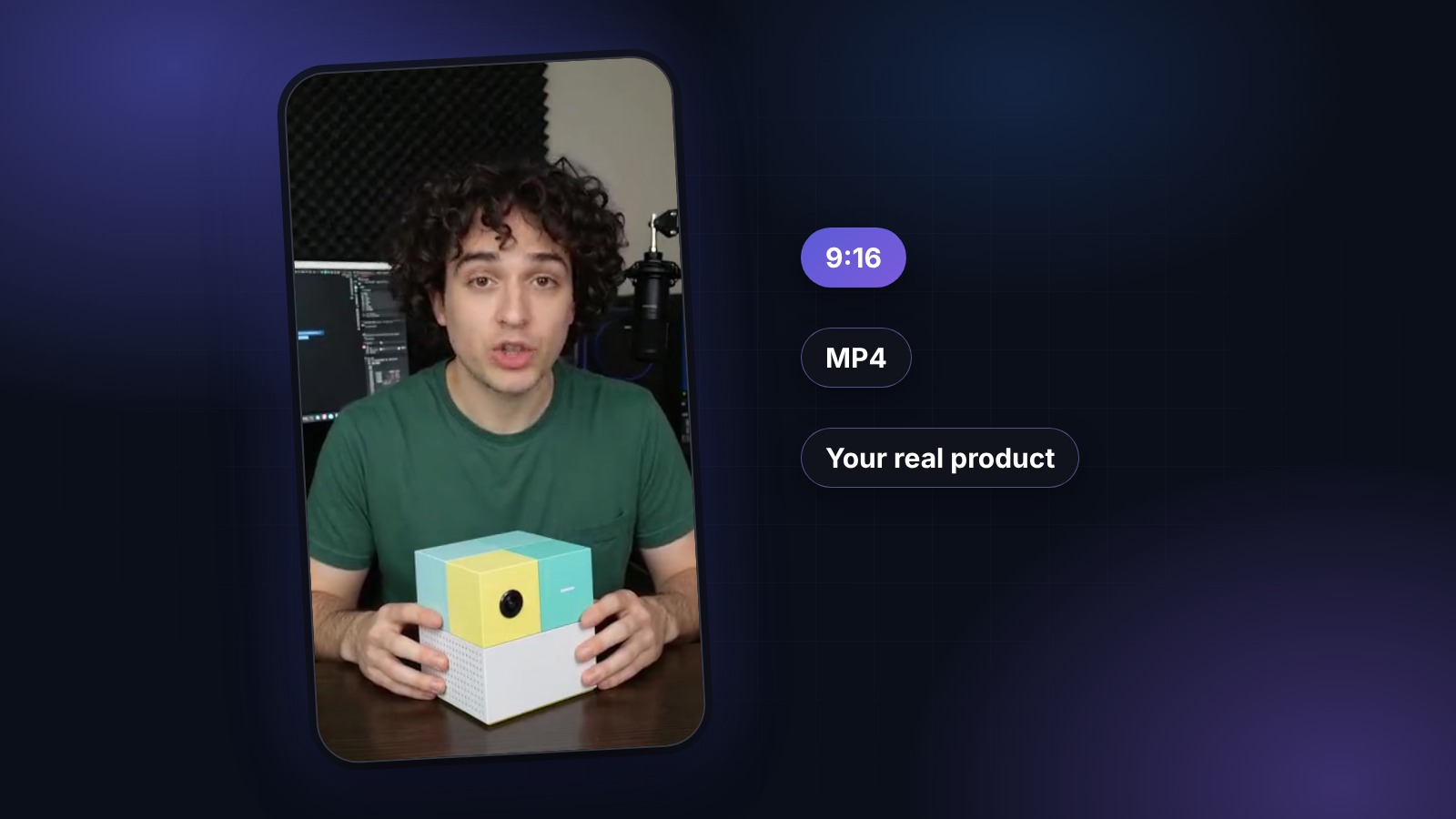
TikTok's native ad format is 9:16 vertical at 1080×1920 pixels. That's the ratio every UGC ad should render at by default — anything else gets letterboxed or cropped and immediately reads as "repurposed from another platform". 1:1 (1080×1080) is accepted for Spark Ads and some in-feed placements but performs measurably worse than 9:16. 16:9 landscape is technically supported and effectively unusable — reserve it for cross-platform assets where TikTok is a secondary destination.
Duration: where each length lives
TikTok ads run from 5 seconds to 60 seconds. The practical bands: 9-15 seconds is the sweet spot for cold-audience hook testing — long enough to land a claim, short enough to keep completion rates high. 15-30 seconds fits problem-solution and testimonial angles where the story needs a beat structure. 30-60 seconds is for warm-audience remarketing where the viewer already knows the brand and the product needs unpacking. Anything under 8 seconds usually feels rushed; anything over 45 needs a real reason.
Captions: burned-in, kinetic, high contrast
Roughly 80% of TikTok viewers watch with sound on, but every ad still needs burned-in captions — the algorithm rewards accessibility and viewers who autoplay the app on silent (in a meeting, in bed) drop off immediately without them. Word-paced kinetic captions (each word or short phrase animating in on beat with the voiceover) outperform static subtitle rendering. Style them for the app: bold sans-serif, high contrast, drop shadow, sized so the tallest caption fills roughly a third of the frame width. Keep captions inside the safe zone (below), never over faces.
Safe zones for TikTok UI
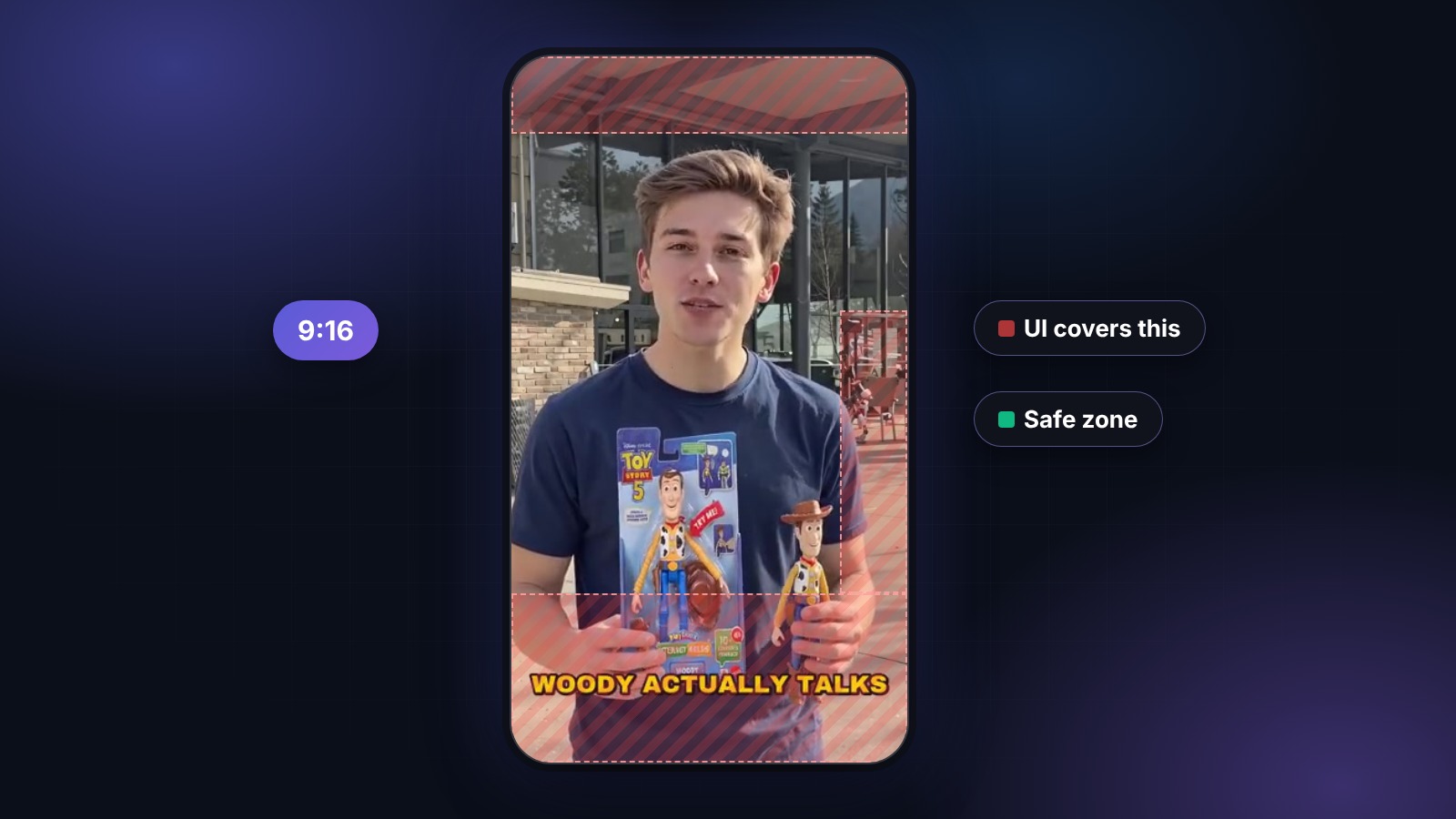
TikTok overlays UI on top of every video — the profile picture, username, description, CTA button and share icons all sit above your creative on the right and bottom. Keep any important text, product close-ups, or brand marks inside a central safe zone: at least 150 px from the top, 250 px from the bottom, and 100 px from the right edge on a 1080×1920 canvas. The right-column safe zone matters most; that's where the follow / like / comment icons live.
Audio: voice-first, music as background
For UGC ads, the voiceover is the ad. Music should sit 12-15 dB below the voice — audible enough to add energy, quiet enough not to compete. Avoid trending sounds on paid promotion; TikTok deprioritises ads that use copyrighted popular tracks, and the platform's Commercial Music Library is safer for licensing. If you're using AI voiceover, pick a voice that matches the avatar's demographic — mismatched voice-to-face reads as uncanny within the first sentence.
Export format and file size
H.264 codec in an MP4 container, AAC audio at 128 kbps or higher. Video bitrate: 8-12 Mbps for standard-quality uploads, up to 20 Mbps for detail-heavy Cinematic-tier renders — TikTok re-encodes uploads to its own bitrate ladder anyway, but starting higher preserves quality through the compression. Frame rate: 30 fps is standard; 24 fps reads as more cinematic on Premium ad renders. Maximum file size is 500 MB for direct Ads Manager upload; keep well below that to avoid re-transcode delays.
AI disclosure and C2PA provenance
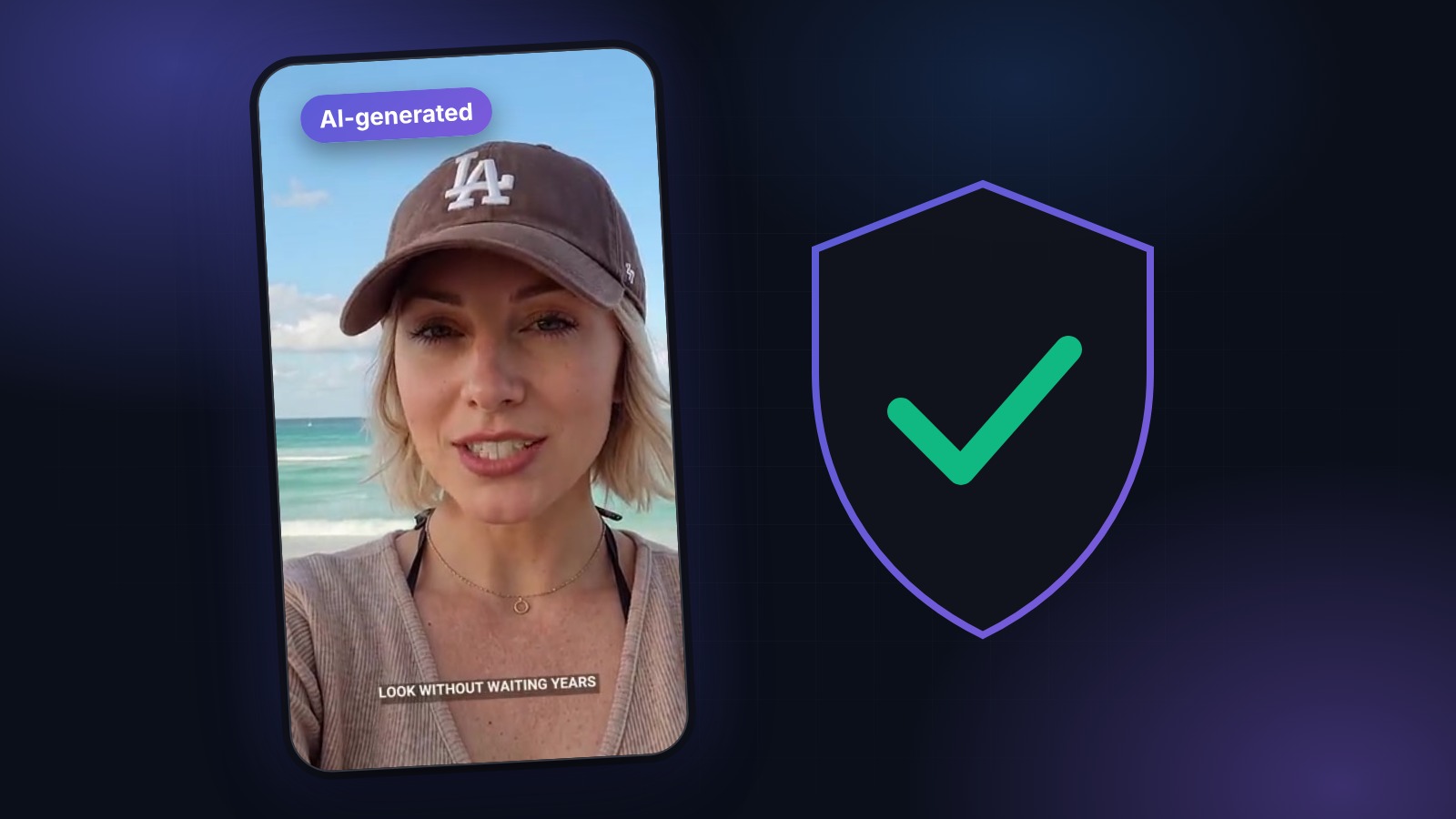
As of 2026, TikTok requires AI-generated ads to be labeled — either the creator toggles the "AI-generated" flag in the upload flow, or the platform detects synthetic content via provenance metadata and labels it automatically. AI-labeled ads perform on par with non-AI ads once the label is applied; unlabelled AI content that TikTok later detects gets throttled or removed. UGCABC does not yet embed C2PA credentials in exports, so toggle the platform's AI-generated flag when you upload — it takes a second and it is what keeps the ad from being throttled later.