Why faceless UGC is a real option
Plenty of marketers and founders want the performance of UGC without putting their own face on the internet — for privacy, for consistency across many products, or simply because being on camera isn’t their strength. The good news: “user-generated” is about the format and the feel, not about a recognizable face. A casual, first-person, problem-to-payoff video reads as authentic whether or not a person is centered in the frame. The job is to keep the things that make UGC work — a strong hook, a relatable voice, real specifics — while choosing a visual approach that doesn’t require you on screen.
Option 1 — AI avatars
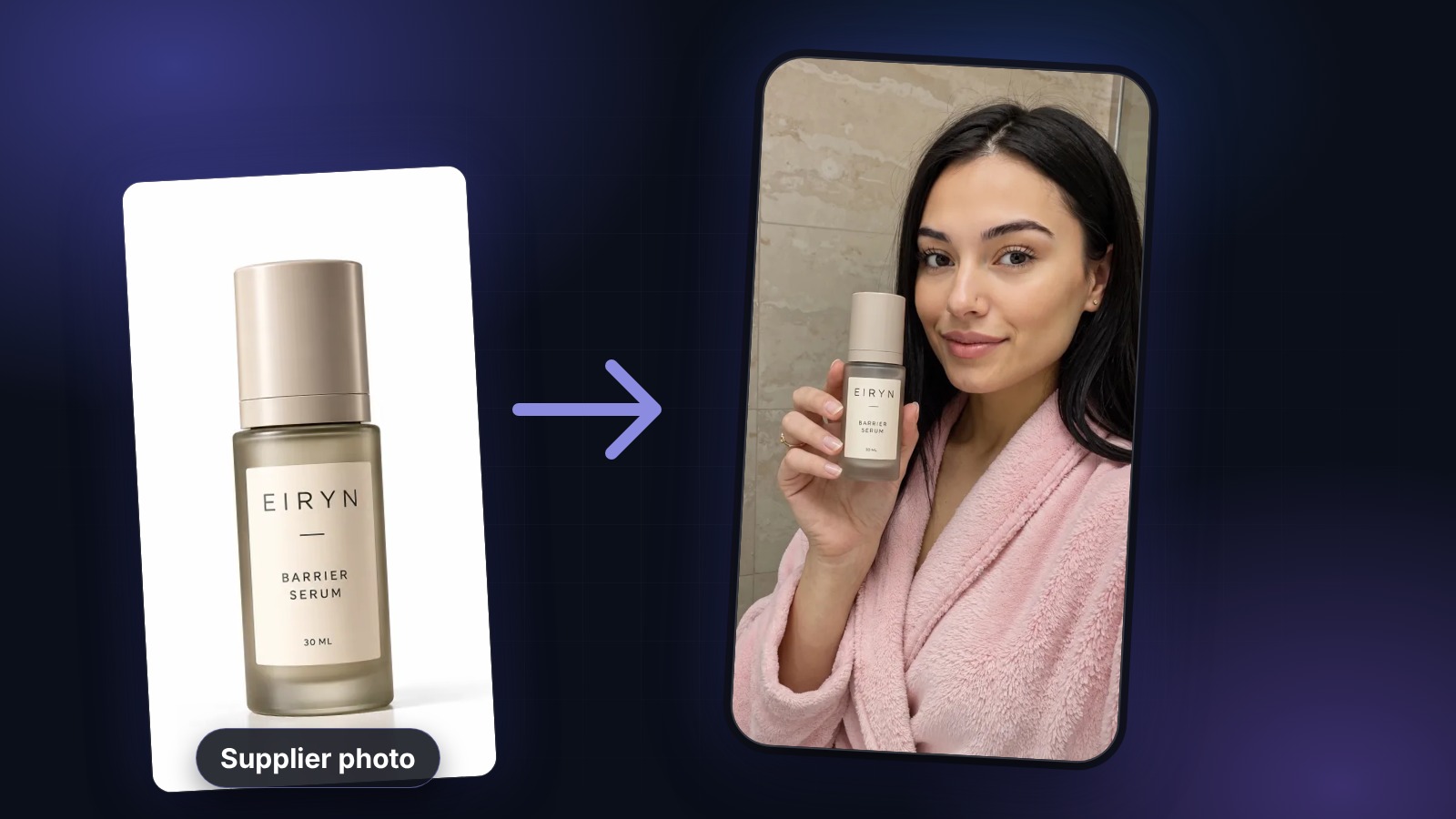
The most direct faceless route is to let an AI avatar be the on-camera presence. With UGCABC you choose from a library of studio-shot avatars, drop in your product by URL or image, and the tool composites the real item into the avatar’s hand and delivers a generated voiceover from your script. You get a face and a spokesperson without it being your face, and because you write every word, the message stays exactly on-brand. It’s the closest faceless approach to traditional talking-head UGC, and it scales: the same workflow can produce a different avatar and angle for every product or test.
Option 2 — Hands, product, and B-roll
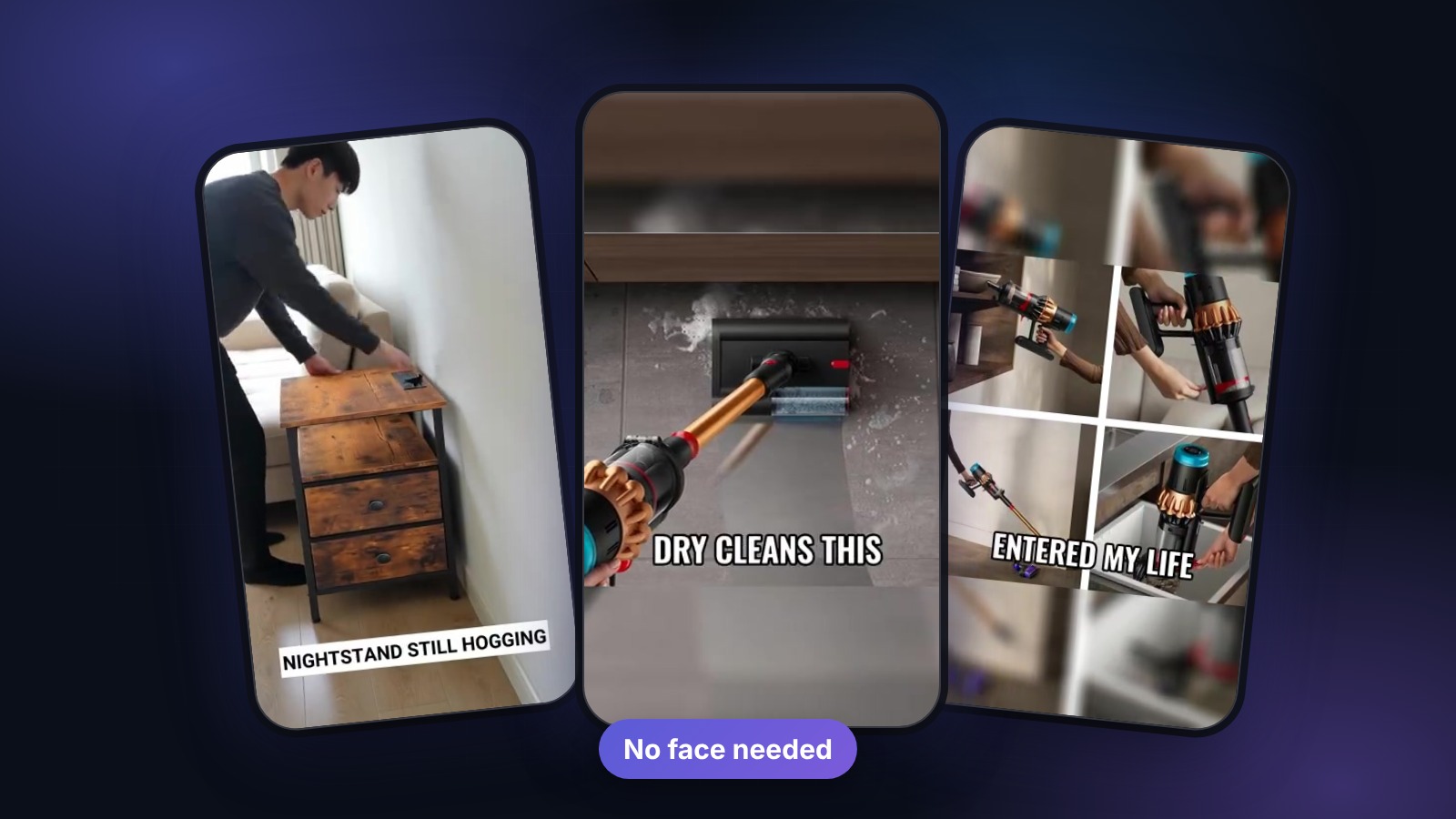
A classic faceless style shows only hands and the product: unboxing it, using it, demonstrating the before/after, all shot from a first-person or overhead angle with a voiceover on top. This works especially well for tactile products — skincare textures, gadgets, food, tools — where the demonstration is the selling point anyway. Keep the shots close and well-lit, let the action carry the story, and use the voiceover to deliver the hook and the angle. Viewers don’t need to see your face to feel like they’re watching a genuine, hands-on review.
Option 3 — Screen recordings and text-led video
For apps, software, and digital products, a screen recording with voiceover is a high-performing faceless format — show the thing working while you narrate the value. Text-led video (bold on-screen captions over B-roll or simple backgrounds, set to a voiceover or trending audio) is another option that needs no presenter at all. Both lean even harder on the script and the hook, since there’s no person to carry charisma, so the words have to do the work. Strong opening line, one clear idea per beat, and a visible payoff.
Scripting and voice for faceless videos
Without a face, the voice and the writing become the whole personality of the ad, so invest there. Write the way people actually talk — short sentences, contractions, one idea at a time — and front-load the hook in the first line. Match the voiceover’s tone and energy to your audience; a calm, expert read suits some products, a fast, enthusiastic one suits others. If you’re using AI voiceover, you can audition several voices and pick the one that fits, which is faster than re-recording yourself. Keep claims accurate and on-label — faceless doesn’t change the fact that you own what the video says.
Editing so it still feels authentic
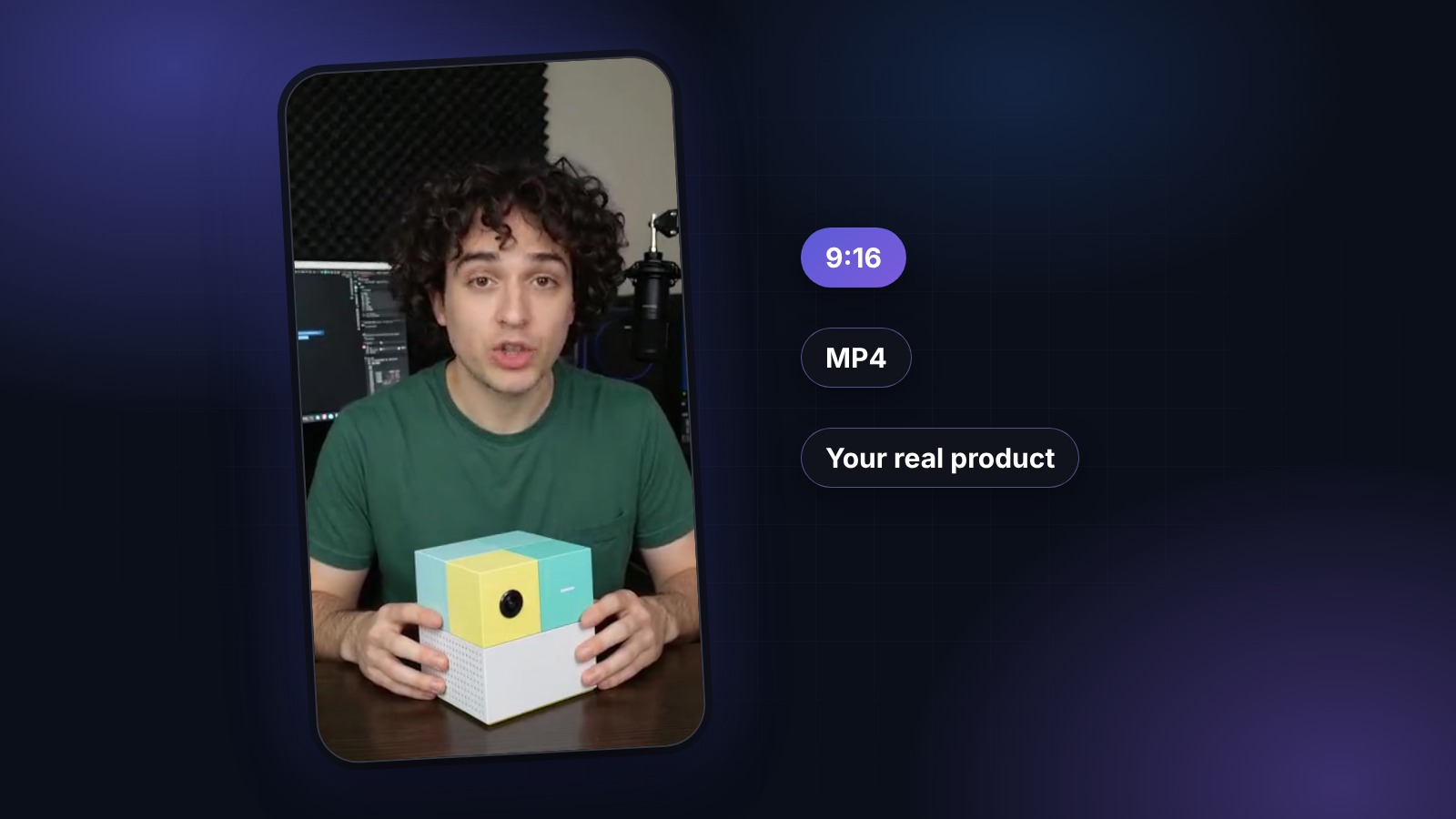
The trap with faceless video is letting it drift toward looking like a stock-footage ad. Avoid that by keeping the edit native: vertical 9:16, burned-in captions, a tight pace, and a real-feeling setting rather than glossy studio polish. Cut dead air, get to the point fast, and end on a clear, low-pressure call to action. Then treat it like any UGC: generate a few variants, test which hook and which visual approach wins, and iterate. Faceless or not, the same loop — authentic feel, strong hook, honest message, fast testing — is what turns a video into an ad that performs.